

Patsy’s Treasure Chest
 Patsy’s Treasure Chest
Better LOTRO screenshots: Patsy’s little picture guide
About 8 minutes to read
Dear butterfolk,
I have nothing against a tidy skill bar. It reliably reminds you that an Orc rarely falls over because of a politely worded request. In a landscape picture, however, I would rather see the hill than twelve little boxes, my bags and half the conversation from the roadside.
A cleaner LOTRO screenshot does not initially require new equipment. A few separate actions matter more: hide the interface, check floating names, position the camera and finally take the picture. I would write that sequence on a piece of parchment. Right beside “Do not put sweetrolls on the keyboard”.
My most important keys fit on a small note
Older screenshot guides from the LOTRO community, dating from 2012 onwards, list these default bindings; a player report from 2025 confirms at least Print Screen and Ctrl + P:
Hide or restore the game interface
F12
Toggle floating names
N
Take a screenshot through the game
Print Screen; F11 and Ctrl + P are also documented alternatives
Rotate the camera around your character
Hold the left mouse button and move the mouse
Move closer or farther away
Mouse wheel
On a German keyboard, Print Screen is usually labelled Druck, and Ctrl is Strg. Labels and access to function keys can differ between keyboards. Your own in-game bindings remain decisive: if you changed keys, those settings naturally apply. When unsure, check the key-mapping section in the options.
A small trial at a safe location is worthwhile: hide the interface, take a picture, restore the interface and find the file. Then the technical part is settled before that particularly lovely sunbeam moves on.
My interface is not my character
F12 hides the game interface; it does not make your character invisible. Floating names are a separate matter too, which is why the community guide also recommends N. I would inspect the result rather than assume that a vanished skill bar means a completely text-free screen.
Nameplates, speech text, icons and displayed information are not simply the same thing. If something distracting remains, check the relevant display options or choose another composition. One key is not a spell against every imaginable label.
After the shot, F12 restores the interface. I want to capture the view, not stumble towards the next adventure without visible guidance. A quiet spot away from combat is particularly pleasant: nobody has to choose between a pretty horizon and reacting in time.
My camera may walk around me
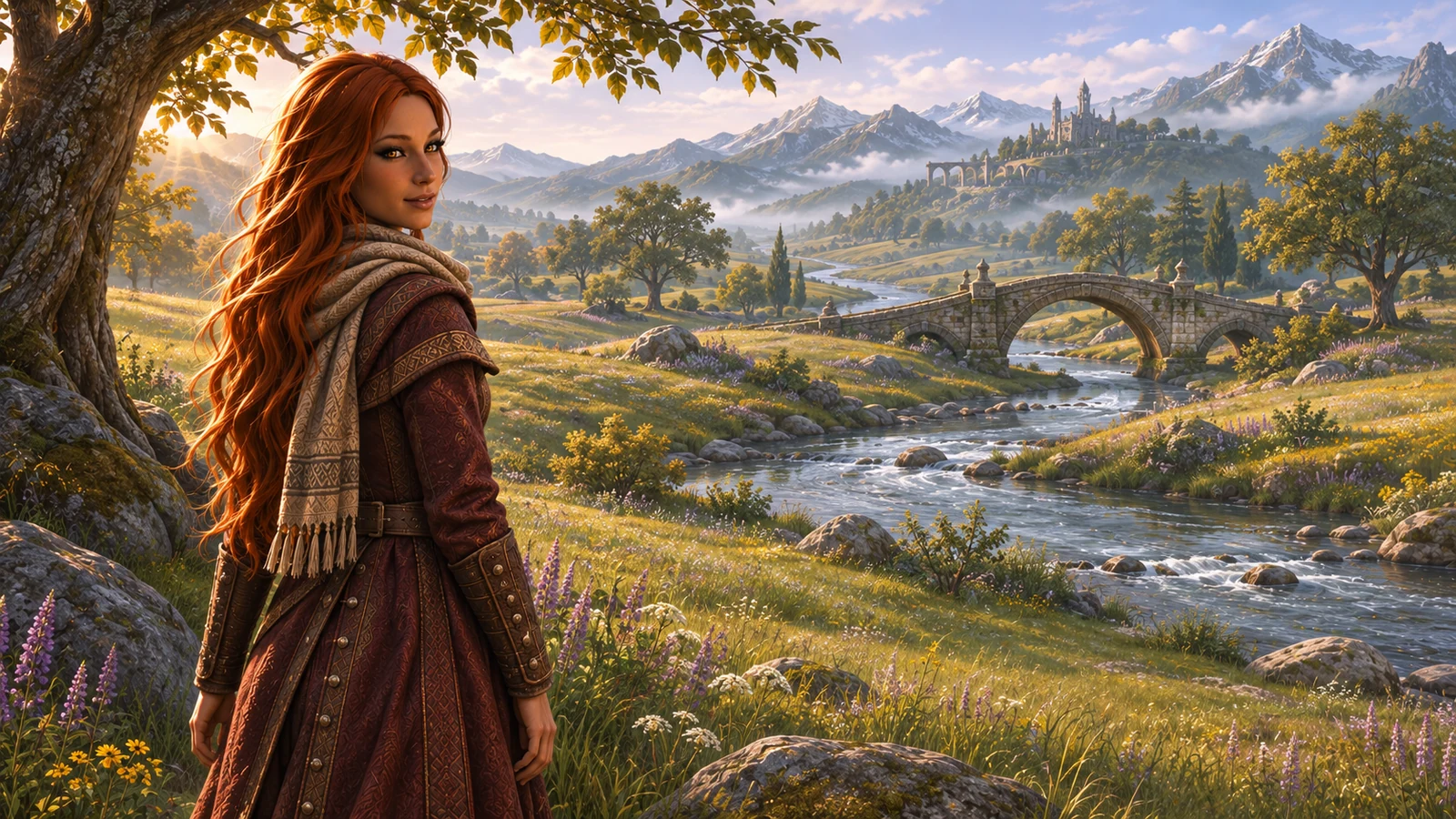
For a character portrait, I would follow the documented default controls: hold the left mouse button and move the mouse. That rotates the camera around the character. This differs from the right mouse button, which also changes the character’s facing and movement direction. If you only want a different view of an outfit, start on the left.
The mouse wheel changes the distance. For a landscape without your own character, zoom all the way in: the original game manual describes the switch to first-person view. The character does not disappear through an invisibility trick; you are looking through their eyes. Afterwards, you can zoom out again.
Before taking the shot, I would pay particular attention to its edges. Are the feet awkwardly cut off? Is a post directly behind the head? Has a proud traveller accidentally become a coat stand? A small camera movement can improve more than a long session with technical sliders.
My picture needs a focal point, not an inventory list
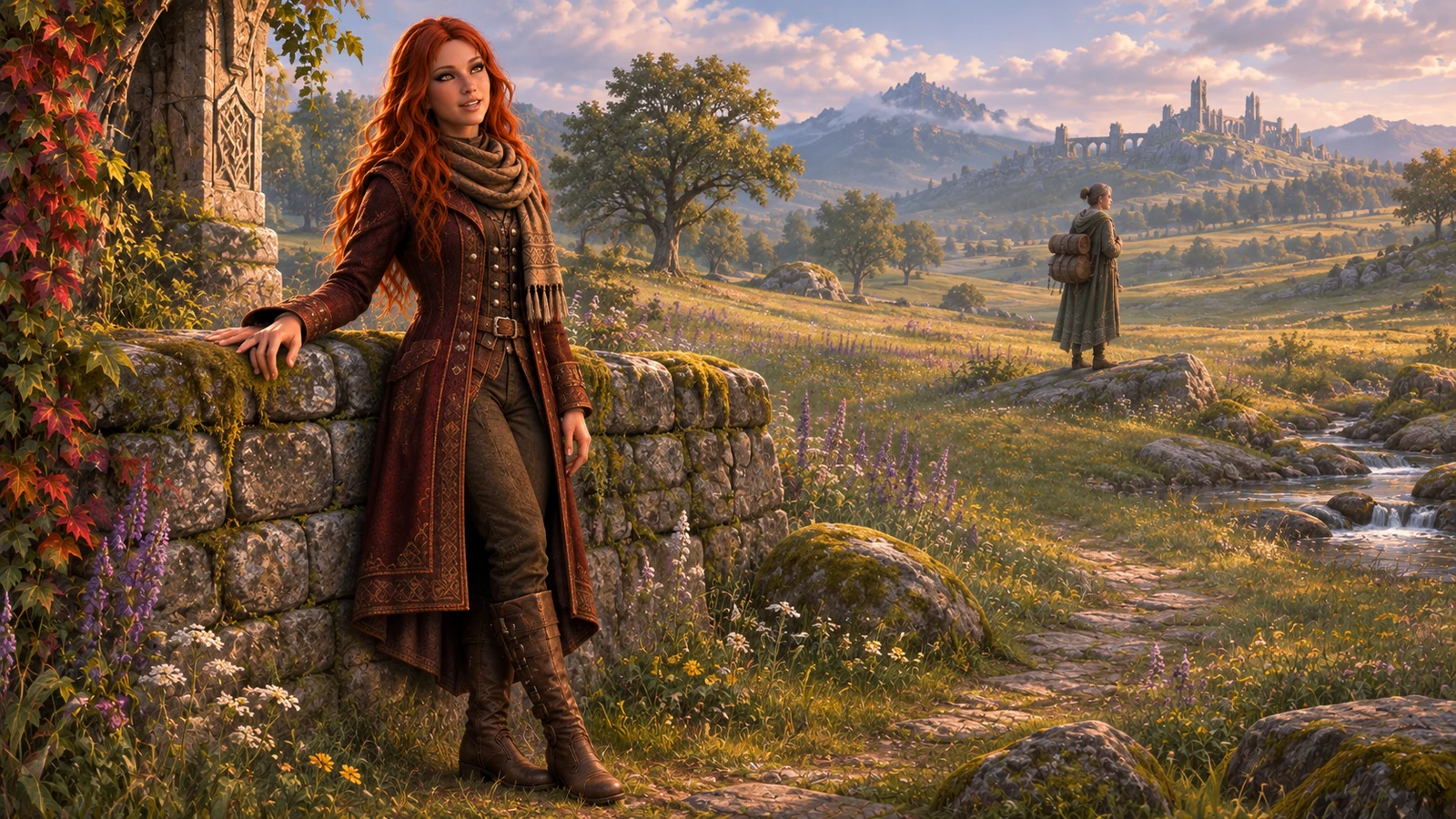
For a landscape, I would first decide what the butterfolk should see first. A path, a tree, a tower or the open country beyond? If everything is equally important, the eye often does not know where to begin.
The rule of thirds is a useful suggestion from the community guides. Imagine two horizontal and two vertical lines across the picture. An important subject need not always stand exactly in the centre; near one of their imaginary intersections, it can give the picture a more pleasing sense of tension. This is a composition aid, not a decree from the royal department of scenic views.
For an outfit, on the other hand, I would choose a quiet background. Clothing is easier to see without a whole market competing for attention immediately behind it. A second picture from slightly farther away can then show how the character fits into the surroundings. Close-up and wider view serve different purposes.
My light comes before the great slider shuffle
The direction of light changes what you can see of a face, clothing and surroundings. I would therefore adjust the camera and position first. If the character is in shadow, another viewing direction or a brighter spot can be more useful than increasing the brightness of the whole picture.
For night shots, the community guides suggest illuminated locations and the personal lantern, with the default combination Alt + F10. See whether you like the result. Not every dark scene needs to look as though a bakery has exploded in the background.
With graphics options, I would only go as far as my computer comfortably allows. The old guides sometimes recommend very specific maximum settings; I will not turn them into a compulsory checklist for every current installation. Good composition starts without pushing every slider to its limit. I prefer a clear view with suitable light to an overburdened picture hunt.

My lively pose does not require permanent stillness
An available emote can turn a stiff arrangement into a little moment. In the official forum, for example, the community collects ideas using gestures such as /lookaround or /fidget. These are the original English commands from the community contribution. I could not reliably confirm their German-client equivalents; there, choose the gesture through the emote selection if needed. Check which emotes your own character knows.
I would choose a gesture, capture several different moments of the movement and keep the best picture later. For a planned group shot, a brief agreement about position and timing helps. It need not become a dress rehearsal with twenty-nine pages of parchment. It is simply better if three people are not changing position while the fourth is already taking the picture.
I would like to find my file again
For screenshots created by the game itself on Windows, the guides name Documents → The Lord of the Rings Online; the Lotro Stylist guide describes JPEG files. Look in the Documents folder actually used by your Windows account. Other capture programs may save their pictures elsewhere.
Steam deserves attention too: F12 is also commonly used for Steam screenshots. A community thread documents its overlap with LOTRO. Check the game and Steam bindings separately and assign an unambiguous combination if necessary. A Steam picture and an in-game picture need not appear in the same folder.
Before sharing, I would open the saved file and look carefully once more: are chat text, names or private messages readable? Are other players the main subject, and do they know about the planned publication? That is easier to clarify beforehand than to repair afterwards with an apologetic mead.
My short recipe is therefore: choose the subject, position the camera, F12 and N if needed, take the picture, restore the interface, check the file. That earns five sweetrolls from me. Please eat one only after pressing the key. A sticky finger is not yet an artistic soft-focus filter.
Yours, Patsy Wackelwitz
Patsy Wackelwitz is a fictional character. Text created with AI assistance and editorially checked; images are imagined AI illustrations, not game screenshots.
My sources
- Lotro Stylist: How to Take a Great Screenshot — community guide from 2012: keys, file location, camera and composition.
- Cosmetic Lotro: … take a Screenshot — supplementary community guide to F12, Print Screen, lighting and poses.
- Original game manual: Camera Controls, pages 58–59 — manual mirror: left and right mouse buttons, zoom and first-person view.
- LOTRO Forum: Creative Emoting for Outfits, RP & Screenshots — community examples from July 2023 onwards.
- Steam Community: screenshots — discussion distinguishing game and Steam captures, with an addition from September 2025.
More stories worth a read
Dice, Sweetrolls and Ten Questions for Game Night
Sometimes it takes remarkably little to spend a whole evening in another world. The rain taps on the window, somebody lights the candles, and suddenly the kitchen table holds more dice, scraps …
Read more : Dice, Sweetrolls and Ten Questions for Game Night
New Life in Tamriel – Patsy’s Cheat Sheet for Breda’s Nine Traditions
When Evening Star comes to Tamriel and the first frost flowers spread across the windowpanes, I feel the same mixture of anticipation and healthy suspicion every year. Anticipation because the New Life …
Read more : New Life in Tamriel – Patsy’s Cheat Sheet for Breda’s Nine Traditions
From a Pile of Tunes to a Concert in Bree
Concerts outside the Prancing Pony in Bree always look so effortless. Six, eight or a dozen musicians stand in their finest clothes. At some invisible signal they lift lute, theorbo, clarinet and …
Read more : From a Pile of Tunes to a Concert in Bree