

The Elder Scrolls Online
 The Elder Scrolls Online
Patsy’s travelling wardrobe: an outfit with a plan
About 7 minutes to read
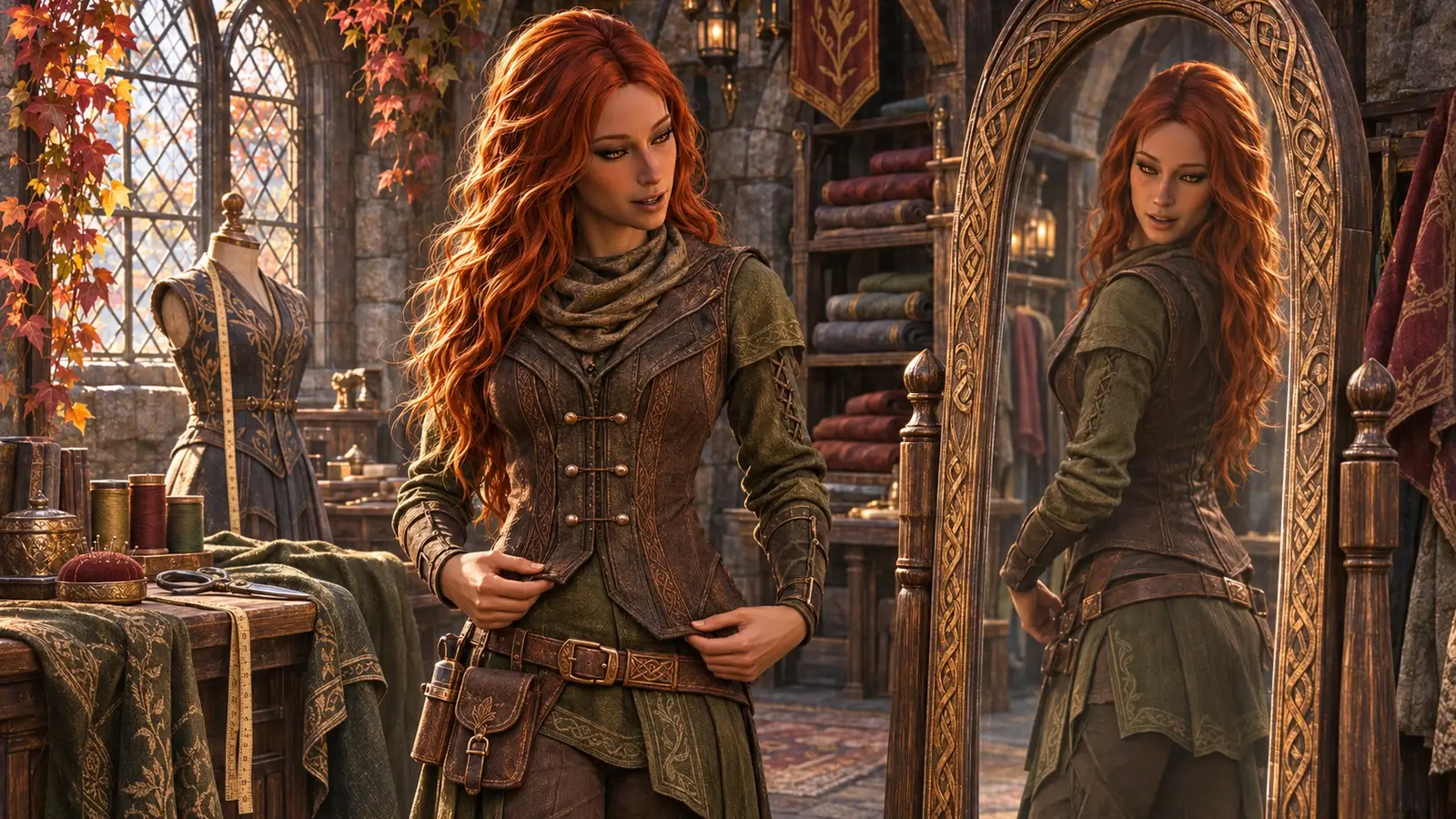
Dear Butterfolk, I would like a travelling wardrobe that says three things: I am on the road, I have a quill with me and my sweetrolls are nobody else’s business. That is a surprisingly specific design brief. Especially when a shoulder piece is so large that you could set up the next campsite on it.
ESO offers the Outfit System for this. It changes the appearance of individual equipment slots, not the statistics of the items underneath. My travelling look can therefore stay the same when I equip better armour. A pretty waistcoat improves neither damage nor resistance. It initially improves my mood, which regrettably does not appear on the character sheet.
My first step is taking stock
Before I even think about a new style book, I want to know what I already have. Under Outfit Styles in Collections, you can examine known and locked options. Learned crafting motifs and unlocked Outfit Style pages are not the same thing as a wardrobe available to everyone for free.
For my design, what matters first is which styles the Outfit Station actually lets me apply. I would therefore check the available selection there and build my combination from it.
I would begin by filtering for what I can actually use. Looking at a locked style is allowed. Wanting to wear it does not replace unlocking it. It is like looking through a bakery window: wonderfully inspiring, but still no sweetroll in your bag.
My route leads to an Outfit Station
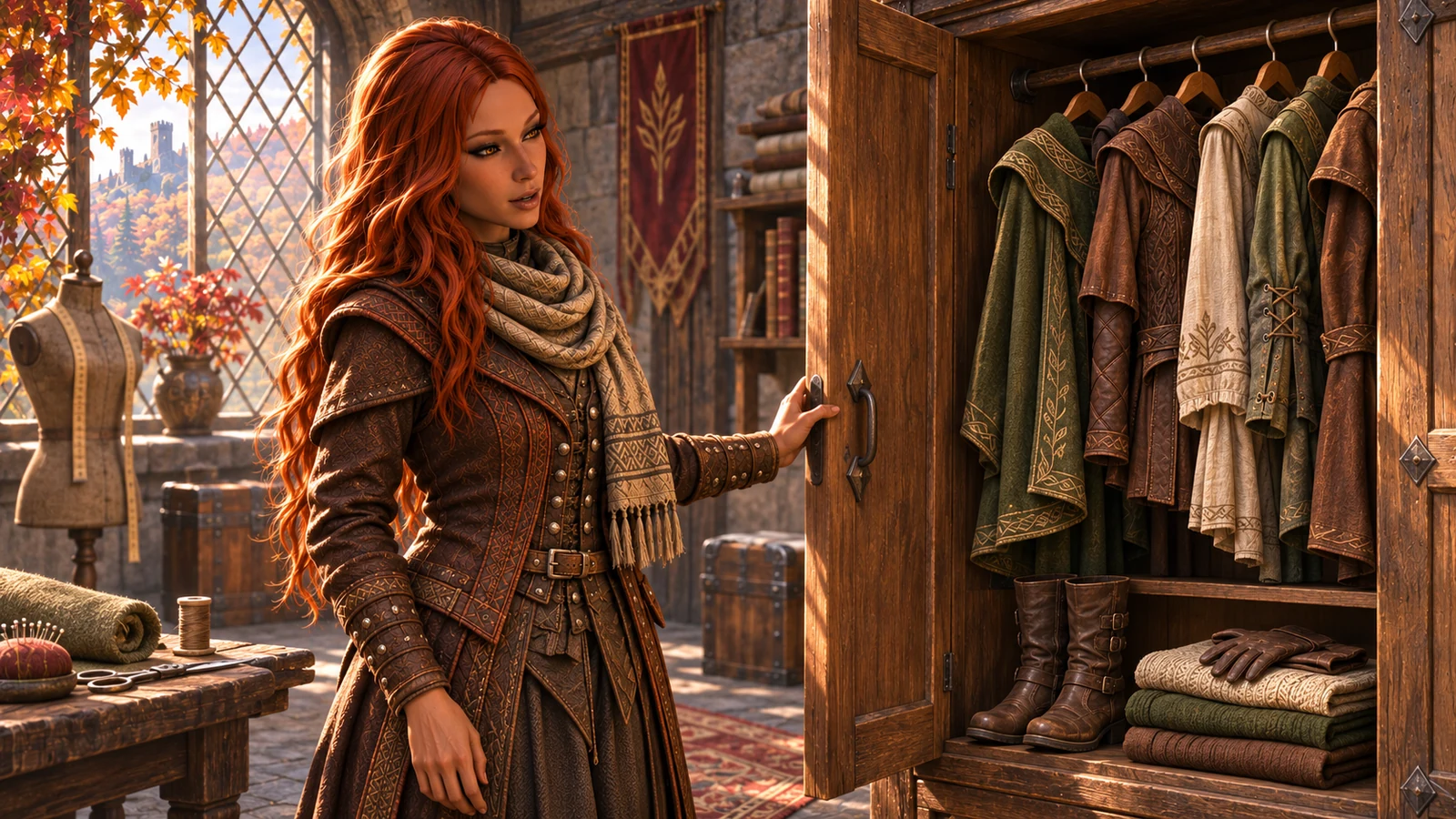
Outfit Stations are marked on the map. Open the editor there and select, for example, Outfit 1 in the Outfit menu. Under armour and weapon styles, choose the individual slots and examine the preview.
You can preview all styles; applying changes incurs the costs shown in the menu. A look at the total therefore belongs before every confirmation click.
The price depends on the design you select. I am deliberately not giving a supposedly universal total for every character. Working with styles you already own may save an acquisition, but it does not automatically remove all application costs.
Outfit Change Tokens are something else again: they can cover the application costs of a complete change. They neither unlock an unknown style nor create an extra save slot. That bars my three most common misunderstandings from entering the dressing room.
My three colours are roles, not prescribed dyes
For the travelling design, I would use this simple scheme:
- A base colour for the larger areas: an available brown, grey or muted green, for example.
- A second colour for neighbouring pieces: slightly lighter or darker so everything does not merge into one expanse of fabric.
- An accent colour for smaller details: perhaps a belt, trim or a visible metal fitting.
These are design suggestions, not official names of particular dyes. Everyone uses what they have unlocked on their own account. “Three colours” also does not mean every piece displays all three dye channels equally well. The preview decides whether the material cooperates.
My order would be chest and legs first, hands and feet next, then the smaller transitions. The weapon comes last. I do not want to perfect a belt for an hour before noticing that the rest looks like an indecisive festival procession.
I would also review the options offered at the station for the weapon. The look should suit the whole character, not suggest that I lost the last part of my travelling wardrobe somewhere along the road.
My colours need unlocking
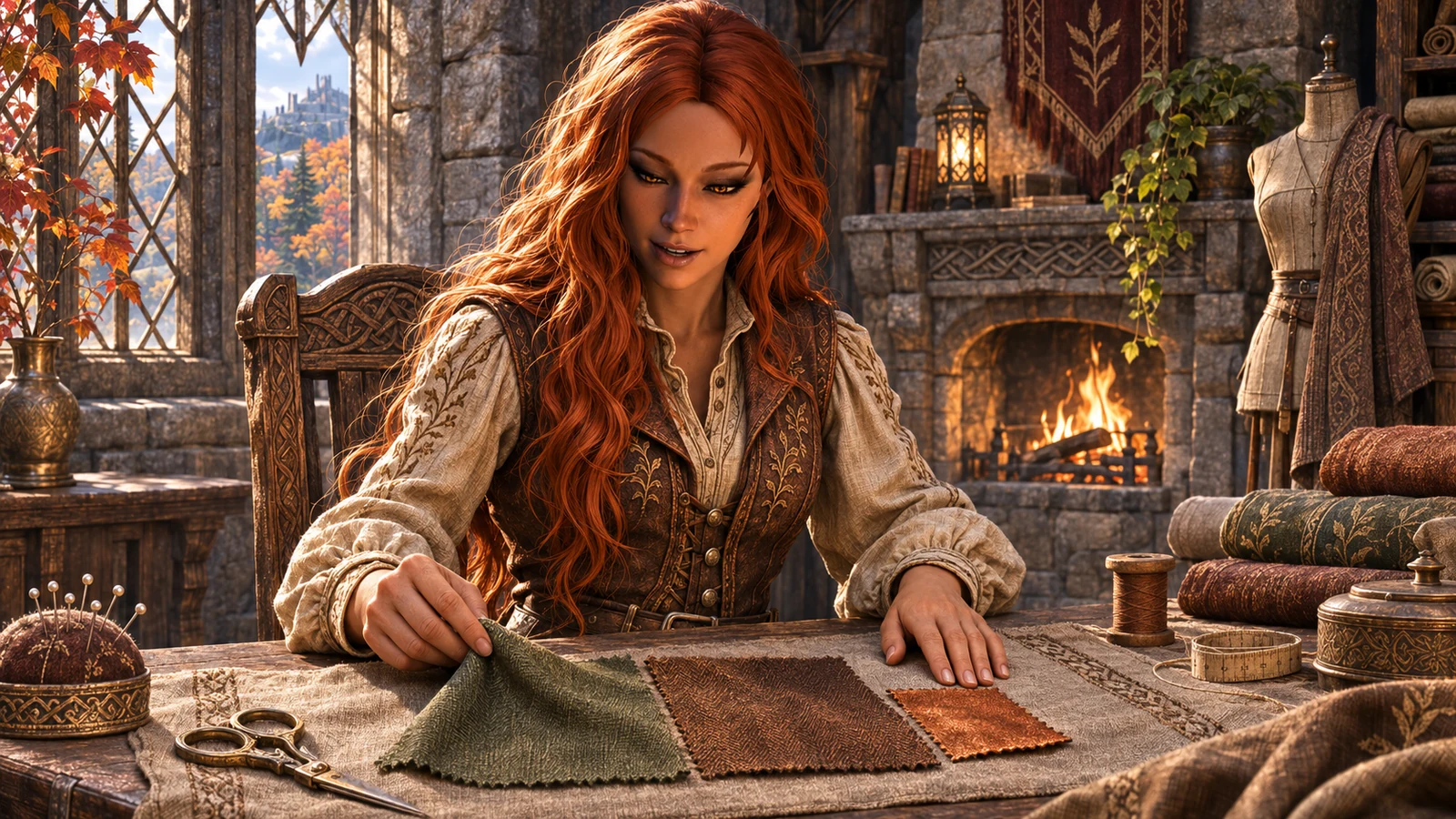
The official help explains that dyes unlock through achievements. Locked dyes show a padlock; the interface identifies the relevant achievement. Material dyes have special unlocks through deconstructing suitable equipment from the corresponding material tiers.
On PC, you can open the relevant achievement for a locked dye through its associated display or context menu. With a controller, follow the on-screen instructions. I would not silently turn instructions mentioning the right mouse button into console controls.
The distinction between an outfit, ordinary equipment and a costume also matters. According to support, dyeing ordinary equipment is free. Dyeing an outfit incurs a small gold cost for each used dye slot. The official help requires ESO Plus for directly dyeing costumes. My mixing up the words in conversation does not make them interchangeable in the menu.
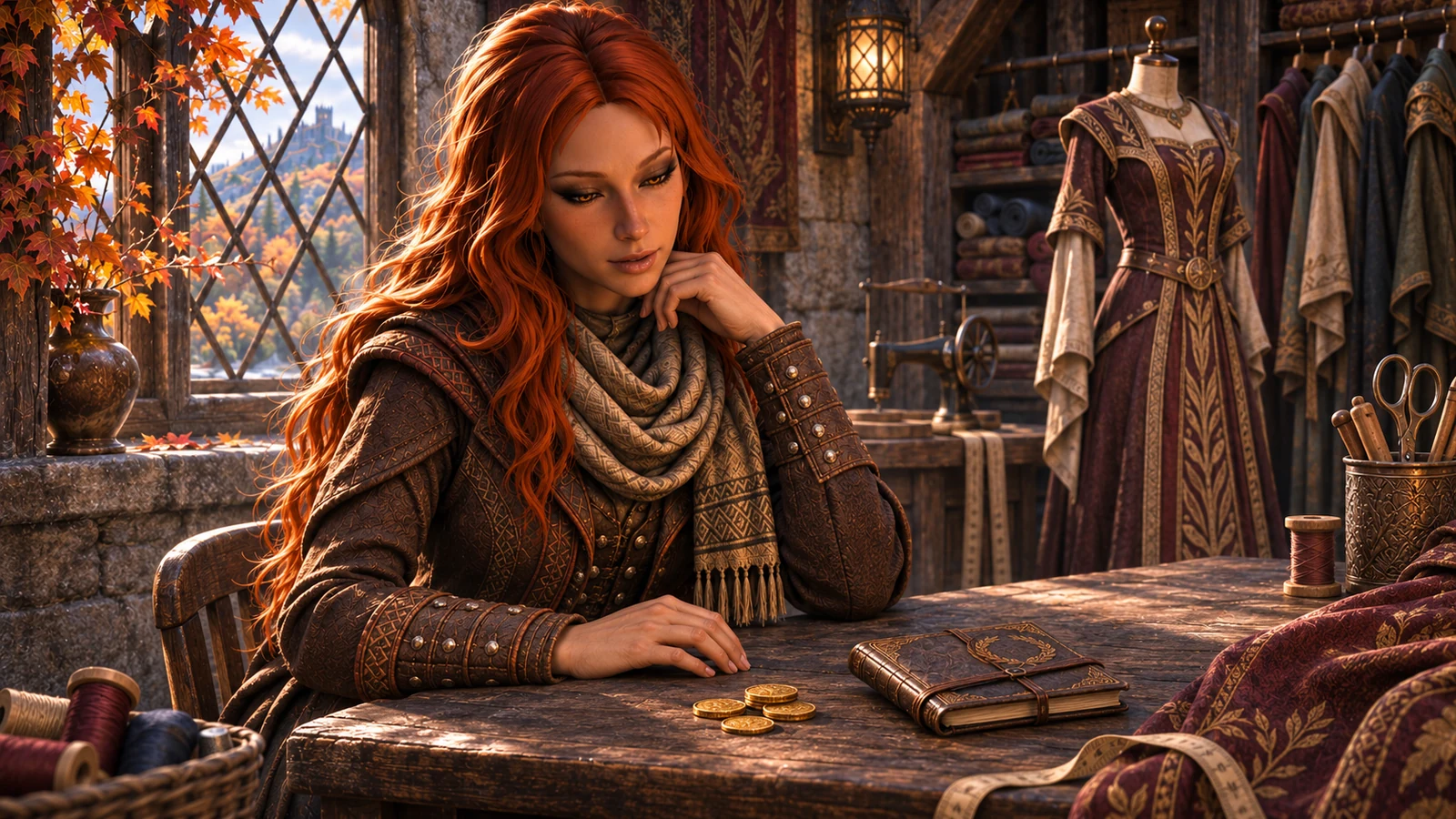
My second design need not be saved immediately
After the travelling wardrobe, I would make the same basic pieces more festive in the preview: more contrast, a different accent, perhaps a quieter combination instead of extra ornamentation. That is a second idea, not automatically a second permanently saved outfit.
One Outfit Slot is available by default; additional slots are a separate unlock. This is especially important when reading older guides: since Update 49, Outfit Slots are account-wide, while appearances remain separate for each character. Official support states a maximum of ten slots. The old blanket claim that every additional slot applies to only one character is therefore outdated.
Even without another slot, you can plan freely in the preview. Your own notes about styles and colours are sufficient for a comparison. I will not persuade anyone that a second design only counts after another purchase.
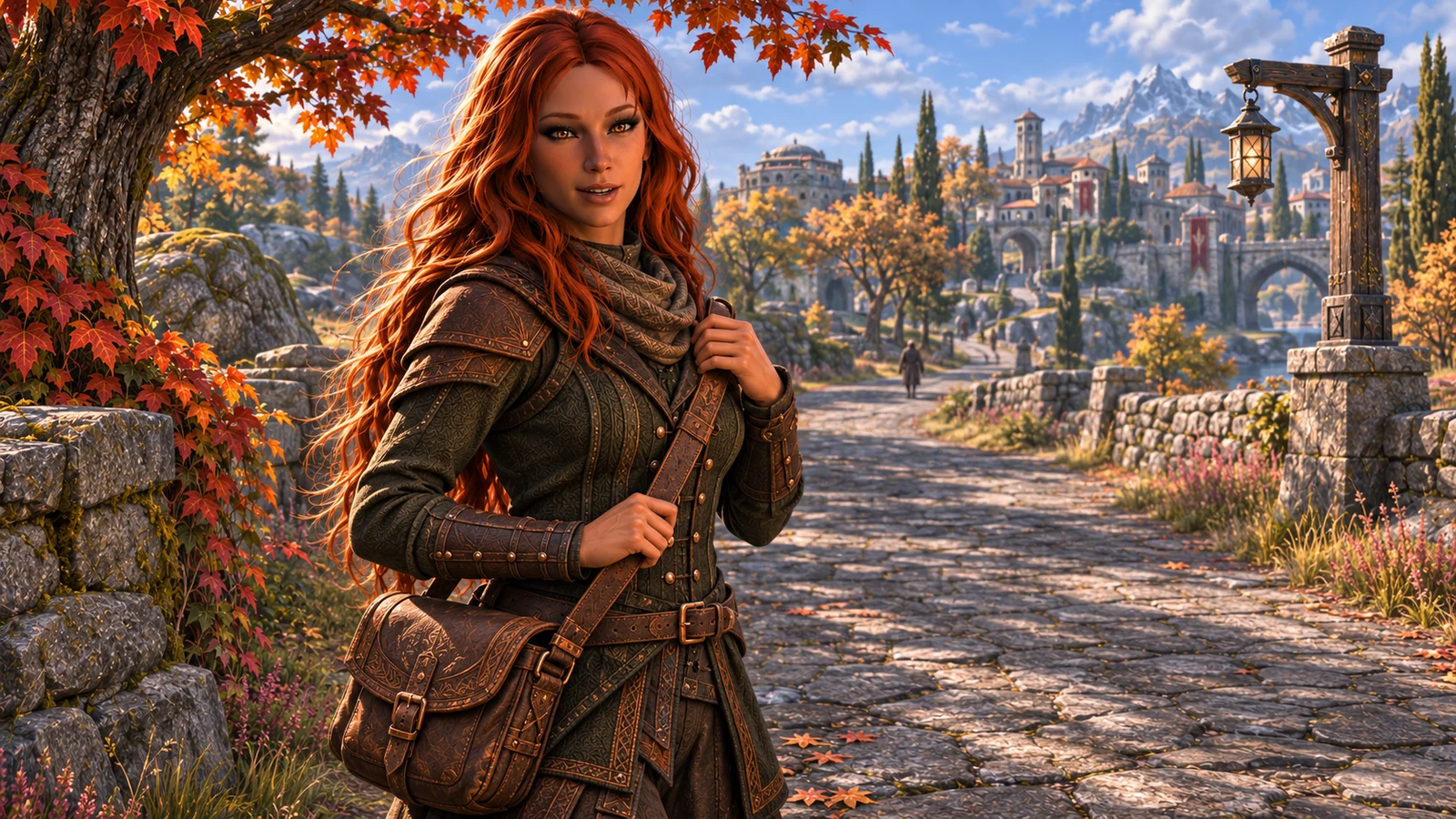
My final check fits on a small parchment
Before applying the changes, I would ask four questions:
- Are all the styles and dyes I used unlocked?
- Do I like the character as a whole, rather than just the prettiest individual piece?
- Have I checked both weapon sets, if my character uses them?
- Do I really want to pay the displayed application costs?
If any answer is no, the design can stay in the preview. That is not failure; it is the rare opportunity to look sensibly at a spontaneous idea before paying.
My wardrobe plan earns four out of five sweetrolls. I am keeping the fifth for the moment I find a shoulder piece that obscures neither my quill nor the entire horizon. Until then: a coherent look needs an idea. It does not necessarily need a longer shopping list.
Your Patsy Wackelwitz, with three colour ideas and a very watchful eye on the confirmation button
Patsy Wackelwitz is a fictional character. Text created with AI assistance and editorially reviewed; images are imagined AI illustrations, not game screenshots or series stills.
My sources
- ESO Support: How do I customize an Outfit? — official controls, preview and locked styles.
- ESO Support: How do I unlock dye colors? — dyes, achievements, material dyes and differences in cost.
- ESO Support: Are Outfit Slots shared across characters? — current rule since Update 49, maximum of ten slots and distinction from Change Tokens.
- ESO-Hub: Outfit System Guide — supplementary community guide.
- Official German Update 49 patch notes — account-wide Outfit Slots and the German term Monturmarken.
- Outfit System basics, German official guide — German menu and system names; older information about Outfit Slots and acquisition sources has been superseded by Update 49.
More stories worth a read

The story of Tamriel’s sweetroll
Some realms fancy themselves invincible because their legions wear gleaming armour. Others put their faith in ancient scrolls, stout walls or dragonfire. In Tamriel, one glance around a tavern tells you what …
Read more : The story of Tamriel’s sweetroll
The final weekend of Whitestrake’s Mayhem
Some days in Tamriel look on paper like a quiet afternoon by the oven. Then you look up and somebody’s wheeling a catapult past the window. That was my experience with the …
Read more : The final weekend of Whitestrake’s Mayhem
Black Fredas: riding lessons for Rosinante?
All it takes is one cold wind across Tamriel in late November and the merchants catch a peculiar fever. They call it Black Fredas, and their eyes light up at the words. …
Read more : Black Fredas: riding lessons for Rosinante?