



In Focus
 In Focus
Patsy’s Treasure Chest
 Patsy’s Treasure Chest
From a Pile of Tunes to a Concert in Bree
About 6 minutes to read
Concerts outside the Prancing Pony in Bree always look so effortless. Six, eight or a dozen musicians stand in their finest clothes. At some invisible signal they lift lute, theorbo, clarinet and drum together. A tune floats into the evening air, and even the grumpiest dwarf is tapping his tankard on the table in time. What happens backstage before that first note? Well, that’s where the real art begins, and where my desk regularly admits defeat. Someone has to sort the sheet music.
Into the music room – a folder and a tune
You can take up the lute in The Lord of the Rings Online without years of lessons from an Elven minstrel or particularly nimble fingers on the keyboard. The game has its own music system that reads ABC files. These are plain text files with the extension .abc. Letters and numbers tell the game which notes to play and how long to hold them.
To find the tunes, your character needs a music cupboard of sorts. Open The Lord of the Rings Online in your personal Documents folder. Inside it, create a subfolder called Music if it’s missing, and put your .abc files there. Easy enough for three or four songs. Once you have hundreds of solos, duets and pieces for a whole band, you have the sort of paper avalanche that makes my Grandma Irmintrude put on her sternest cuckoo-clock face and call for a spring clean.
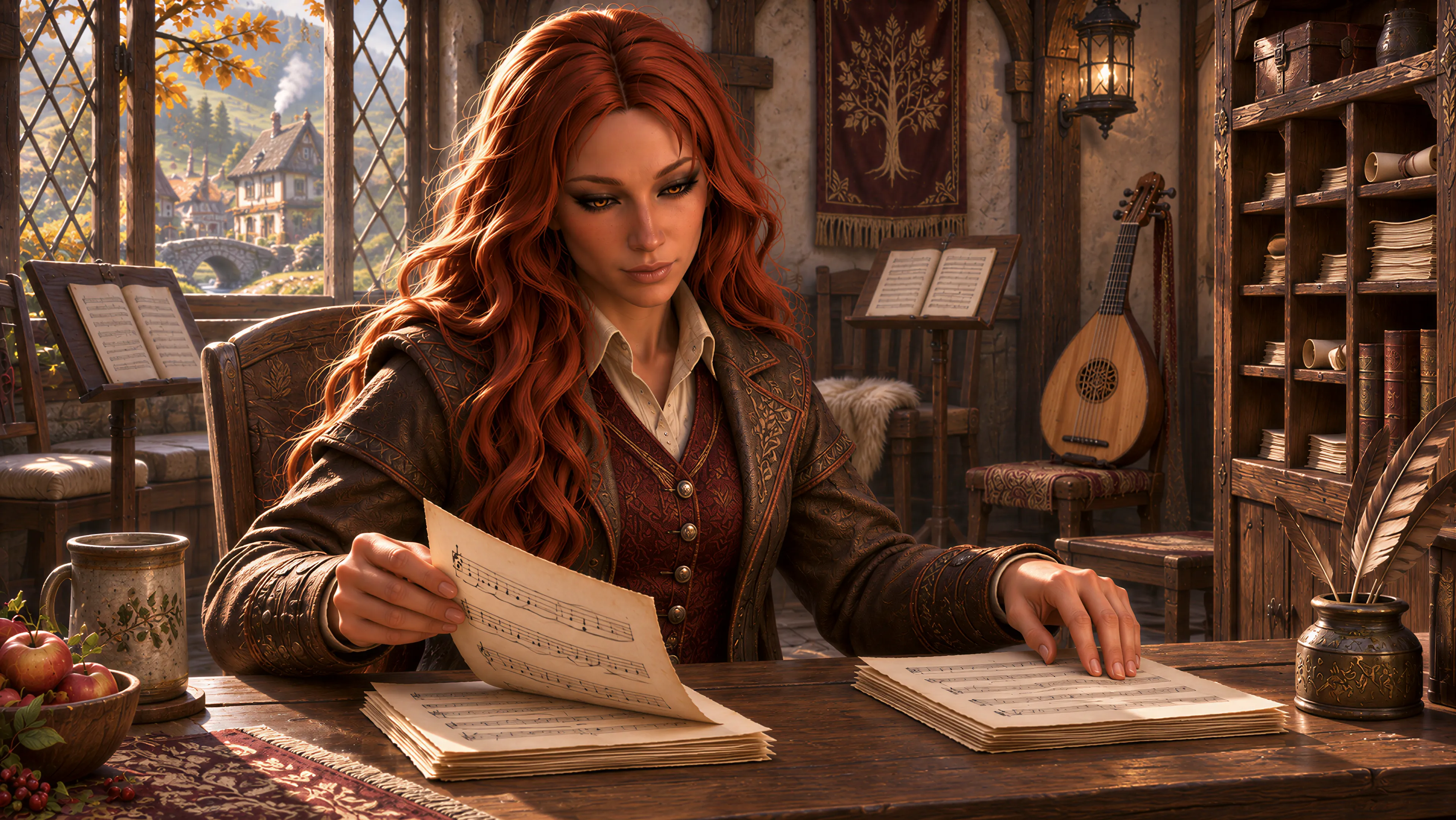
My remedy for a missing waltz – ABC-Scanner Studio
Once your favourite waltz has vanished into its fourth subfolder, have a look in the Wackelcast toolbox. ABC-Scanner Studio by Darkbats Fantasy is a Windows helper that checks your LOTRO music collection and builds song lists for the Songbook (Chiran) plugin.
It detects local game accounts, shows you which tunes have been added, changed or removed, and backs up the lists it replaces. Select the accounts you use and click Check only to see what’s changed. When you’re ready, click Save song lists. That puts the sheet music in order for the next gig. All we need now is an open songbook in the game.
My first waltz with Chiran’s Songbook
There’s my favourite waltz in the index. Now, how do I get it from the page to my lute? That’s where Songbook, a plugin written by Chiran, comes in. ABC-Scanner Studio makes the index of your tunes in Windows. Songbook opens it in Middle-earth. Between songs I can look up the next tune while the dwarf beside me is still putting down his tankard.
- Pack your songbook. Download Songbook from Chiran’s page on LoTROInterface, linked under Sources below. In your personal Documents folder, unpack the archive into
The Lord of the Rings Online/Plugins. Look inside theChiransubfolder forsongbook.plugin. Your ABC tunes still belong in the separateMusicfolder. - Open the book in the game. Save the song list for your game account in ABC-Scanner Studio. Log in with your character and type
/plugins load songbookin the English client’s chat. If the plugin is already loaded and its window has gone missing,/songbook showbrings it back. - Play a solo. Equip your lute and click M in Songbook to switch on music mode. Browse a subfolder or search for the waltz, select its title, then click the play button. Our dwarf can start tapping along.
- Find the downbeat as a duet. Agree who’ll play the melody and who’ll take the accompaniment. Both players need their ABC music on their own computers. If one file holds several parts, pick yours with the little arrows beside
X:or from the parts list. Each fellowship member clicks the synchronised-play button to queue their chosen part. Once both are ready, one player types/playstartto bring them in together.
New waltz missing? First check that the file really ends in .abc and is in the right Music folder. Save the updated list for the account you’re actually playing, then reload Songbook in the game. Closing and reopening its window just takes you back to the same old index.
Outside the inn – from tuning up to the first downbeat
Once your files are in Music and your character has an instrument equipped, a few chat commands are all that stand between you and your debut.
- Enter music mode. Type
/musicin the English client (/musikin German). Your character takes up the instrument. - Play a solo. Type
/play filenamewithout the.abcextension. A short filename without spaces is easiest to type. German clients use/spielen Dateiname. - Start together. Form a fellowship. Each musician queues their own part with
/play filename sync. When everyone is ready, one of you types/playstart, and the group comes in together. In German the commands are/spielen Dateiname syncand/spielstart.
A word about the instruments. A lute, theorbo or fiddle will forgive almost any tune and sounds lovely even late in the evening. Bagpipes, on the other hand, could wake a sleeping troll in the Trollshaws. Choose carefully for a quiet parlour ballad. One last rescue tip before playing in public. Look in your Social Options for the setting that lets you opt out of involuntary emotes. Nothing throws a band off its stride like a prankster making a musician swoon halfway through the chorus.
My sweetroll verdict
With a tidy Music folder, ABC-Scanner Studio to keep track of the tunes and those chat commands to hand, you’re ready for your own little concert in Bree or the Shire. Anything that takes the fright out of my first performance and saves my desk from collapse deserves 5 out of 5 perfectly timed sweetrolls.
Sources
- ABC-Scanner Studio in Patsy’s toolbox
- The developer’s guide at Darkbats Fantasy (German)
- Standing Stone Games on playing music together
- German chat commands collected by the LOTRO community
- Chiran’s Songbook – download and original instructions
- The Meisterbarden of Bree on Songbook in the German client (German)
- Chiran’s help with installation and the plugin window
Yours, Patsy Wackelwitz
Patsy Wackelwitz is a fictional character. This article was written with AI assistance. The illustrations were AI-generated.
More stories worth a read
Aymy and the Blueberry Snouts: 173 musicians and a Mupf piggy bank
People & Places – by Patsy Wackelwitz · Deutsche Fassung There are people in life you really ought to meet. And then there are the ones you meet whether you planned to …
Read more : Aymy and the Blueberry Snouts: 173 musicians and a Mupf piggy bank
Dice, Sweetrolls and Ten Questions for Game Night
Sometimes it takes remarkably little to spend a whole evening in another world. The rain taps on the window, somebody lights the candles, and suddenly the kitchen table holds more dice, scraps …
Read more : Dice, Sweetrolls and Ten Questions for Game Night
New Life in Tamriel – Patsy’s Cheat Sheet for Breda’s Nine Traditions
When Evening Star comes to Tamriel and the first frost flowers spread across the windowpanes, I feel the same mixture of anticipation and healthy suspicion every year. Anticipation because the New Life …
Read more : New Life in Tamriel – Patsy’s Cheat Sheet for Breda’s Nine Traditions